Measuring the code coverage of your test suite is a key metric of any software engineering project and tell us how much of the source is tested. While there are several tools to achieve coverage measurements in different languages or frameworks in this post I will focus on the .NET Framework and on a open source, cross platform package named Coverlet.
Coverage criteria
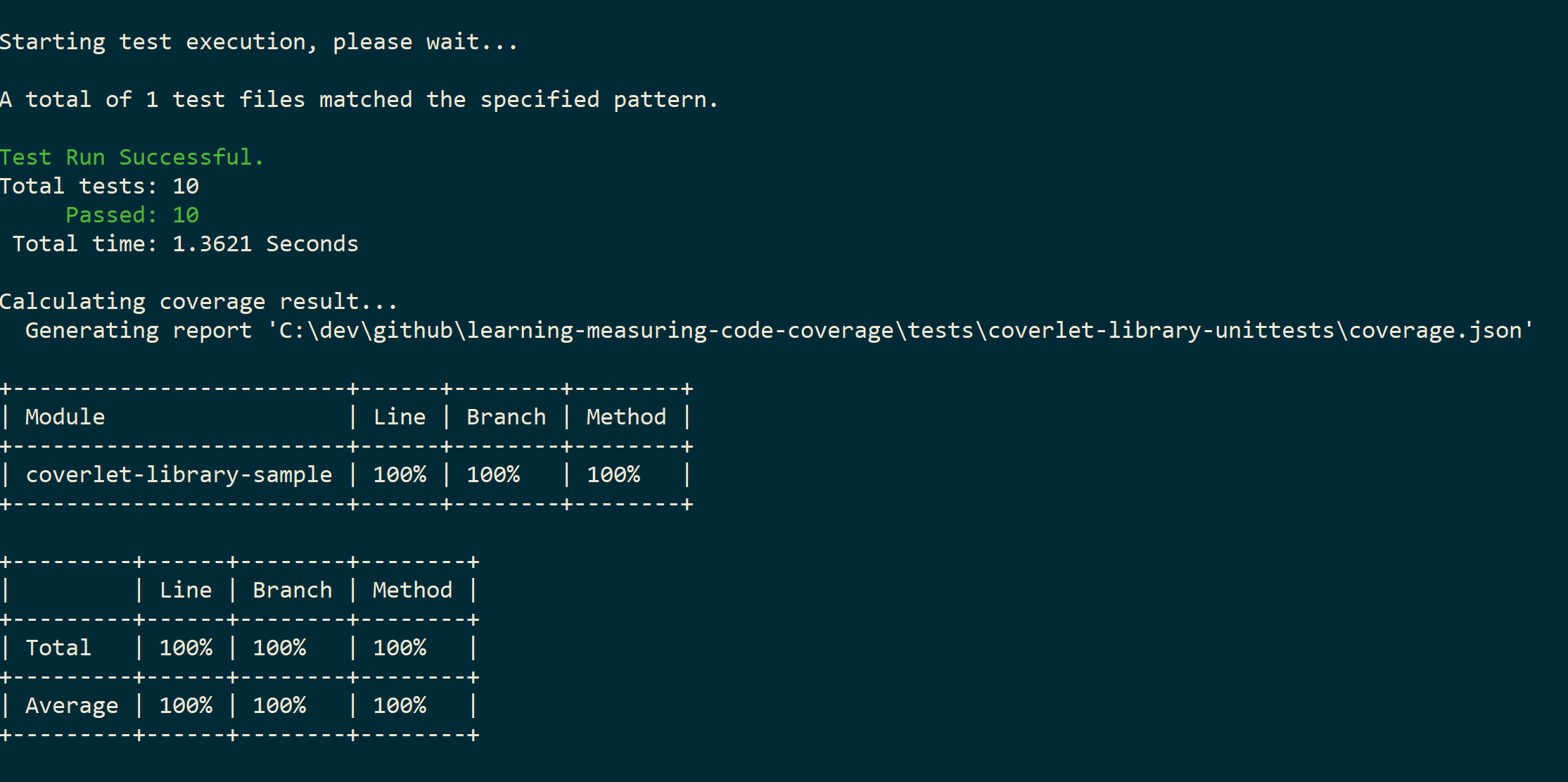
Several criteria could be used to determine how the source is exercised or not during testing, with Coverlet the code coverage is calculated in: line, branch and method. These are related, but also very distinct.
- Line: How many lines of source code have been tested.
- Branch: How many branches of the control structures (eg. conditional statements or loops) have been tested.
- Method: How many of the methods defined have been called.
These metrics are calculated in percentage and average values, in my humble opinion none of these metrics is more important then other, we should rely on all of them depending on how critical your source code is.
Drivers
An important aspect of Coverlet is that it can be used within three different drivers:
- VSTest engine integration
- MSBuild task integration
- .NET global tool
Read more about the different drivers and how to use them on the github page. My preferred way of measuring coverage with Coverlet is currently with the VSTest engine integration, this relies in the coverlet.collector package. In case you did not notice the latest .NET Core test templates, such as xUnit or MSTest already contain this package installed by default, run it with the following command:
dotnet test --collect:"XPlat Code Coverage"
Running the command above will generate a cobertura file report by default containing coverage results and will be published to a directory TestResults under your test project. Read further about advanced VSTest configurations here.
Coverage percentage
What should be the coverage percentage you should be aiming for? It depends, right? It’s important to understand that good coverage does not mean good tests and aiming for a 100% coverage might turn to be costly. I do not believe in a code coverage silver bullet; you should always discuss and identity together with your team what are the critical parts of your application, start with making those robust and aim for a goal together. Use the reports wisely and strive for your desired coverage, this might be an interesting and challenging goal to achieve.
Coverage reports
Reports can be generated in several formats, such as json, lcov, opencover, teamcity or others. You can analyse them later, hook this report generation steps to your CI/CD pipeline or publish them to report evaluation tool.
TLDR
Coverlet rocks, thank you shout out to Toni Solarin-Sodara, Peter Liljenberg and Marco Rossignoli. Currently there are a few know issues, read here and here, consider reaching out and help contributing to this open source project. I’ve wrote a sample .NET Core application with an xUnit test project to support this post, you can find it here.
In the next posts I will explain how to publish the generated coverage reports on build and make them useful to your CI/CD pipeline.